Recording Money Withdrawn
(Petty Cash purchases)
- If money is withdrawn from your cash drawer, it is important to record the event in Lightspeed so that your takings will still balance at the end of the day
- A Money Out would be used to pay Craig for Veggies when he delivers
Recording a Money Out:
1. On the POS click Menu

2. Select Money In/Out

3. Enter the amount being withdrawn (e.g. $50 Cash Out Craig Veggies)
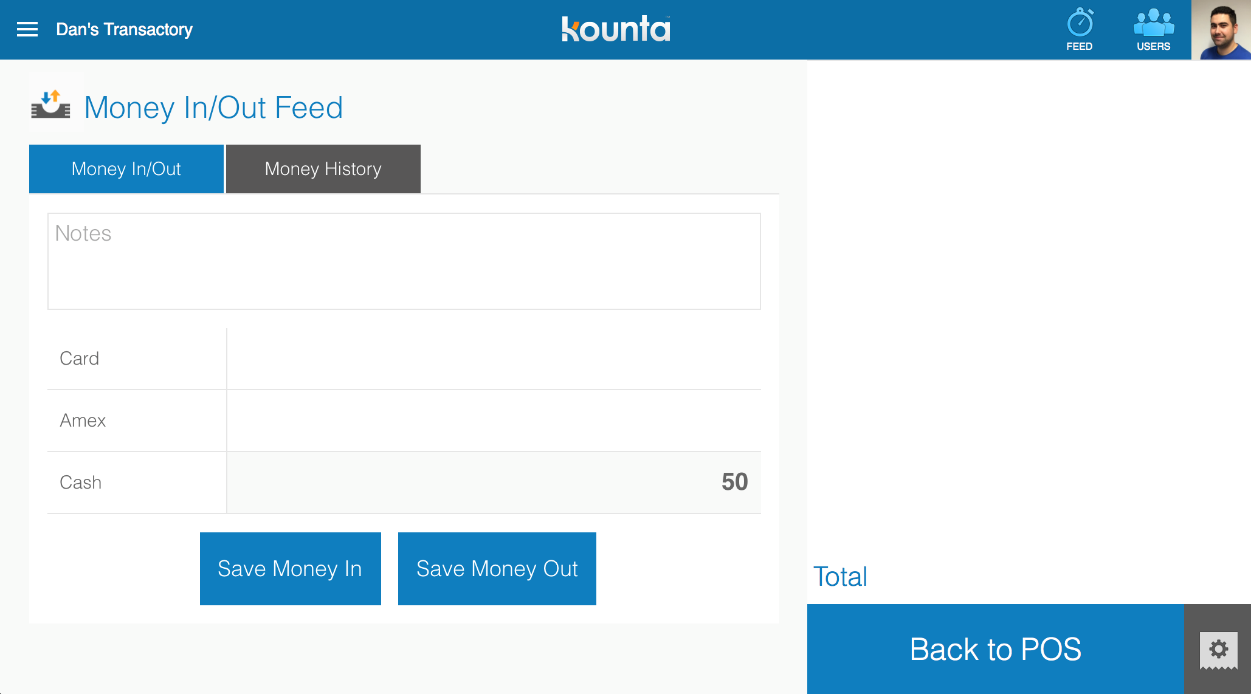
4. Select Save Money Out to save the amount recorded out of the Current Takings Balance.

5. The printer will send out a receipt. Be sure the person receiving the cash SIGNS the docket. Staple your Tax Invoice to the receipt and place in the left hand slot of the register for end of day.
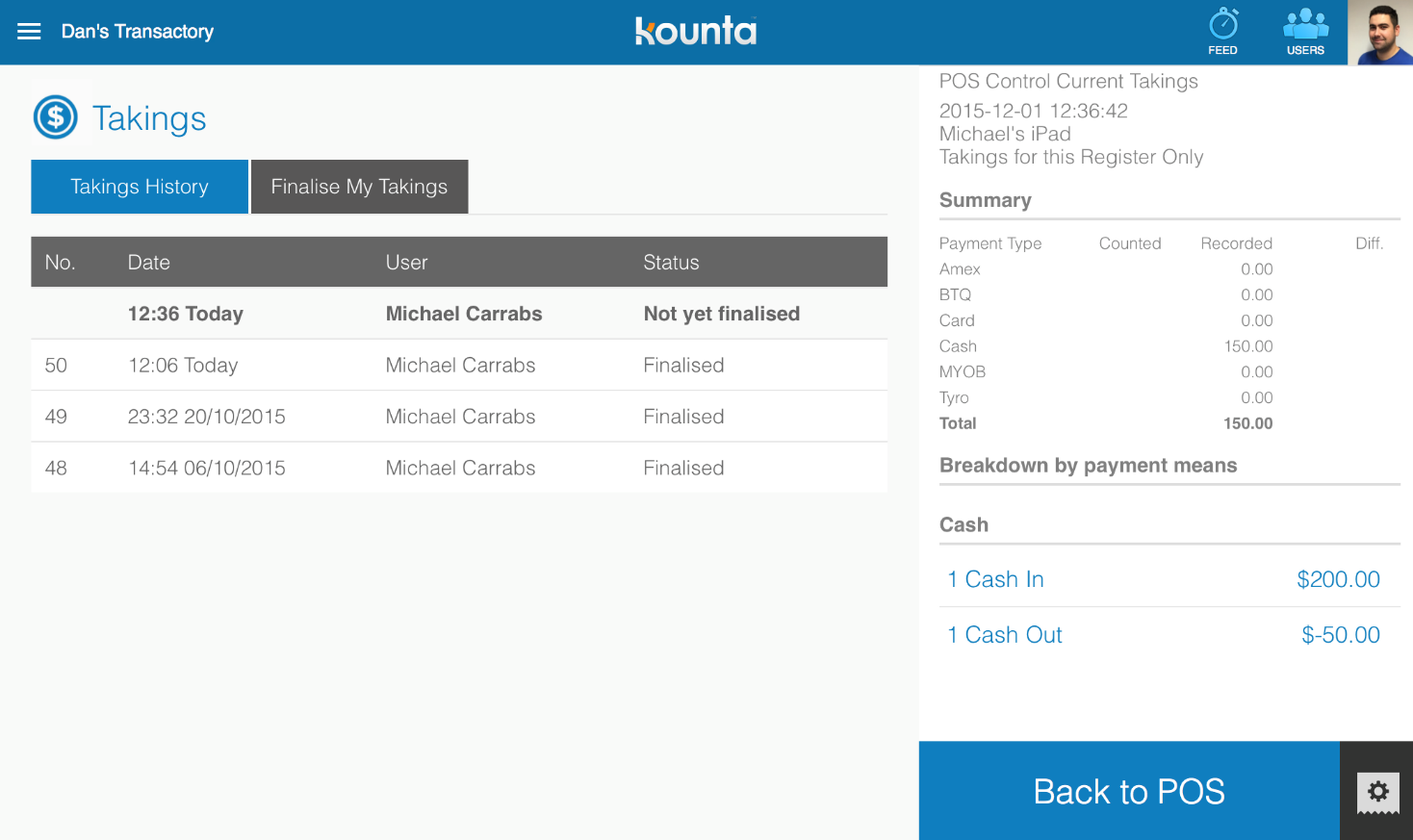
The current balance in your current takings record will be adjusted to the amount entered. In this case $50 will be deducted from your total cash balance.
You can review this in the Money History and Current Takings record by selecting the Finalised Takings option in the top left menu.