
What is it?
We process refunds for over payments made by/charged to customers.
Why we do it?
To credit back the excess amount to the customer.
Who performs this task?
Admin. Assistant
When do we perform this task?
As needed.
Login details or access codes
Access to Catering
How we do it
- Log in to Flex
- Search and open the order for refund
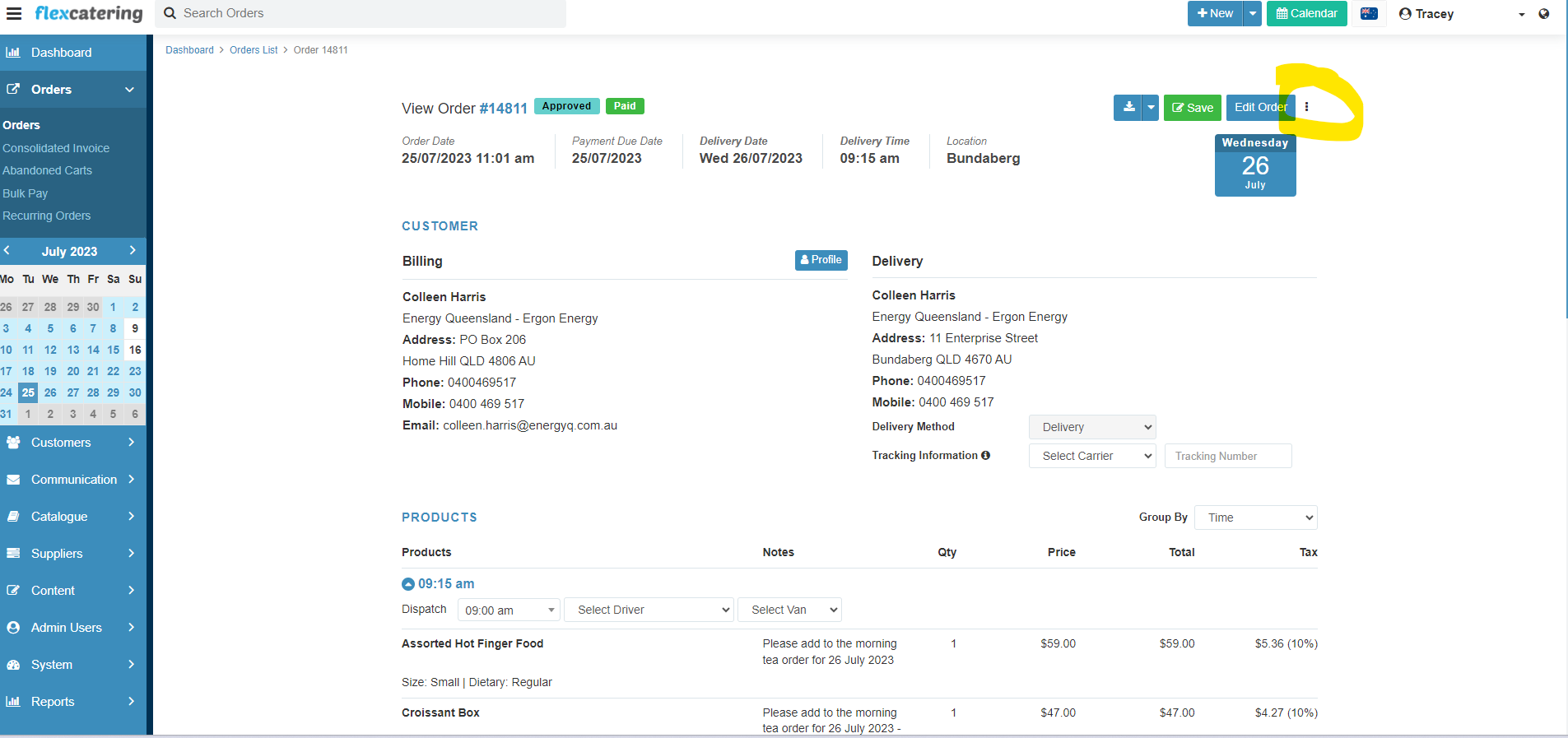
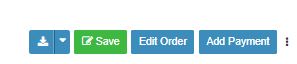
- Click on 3 dots to the right of Edit Order
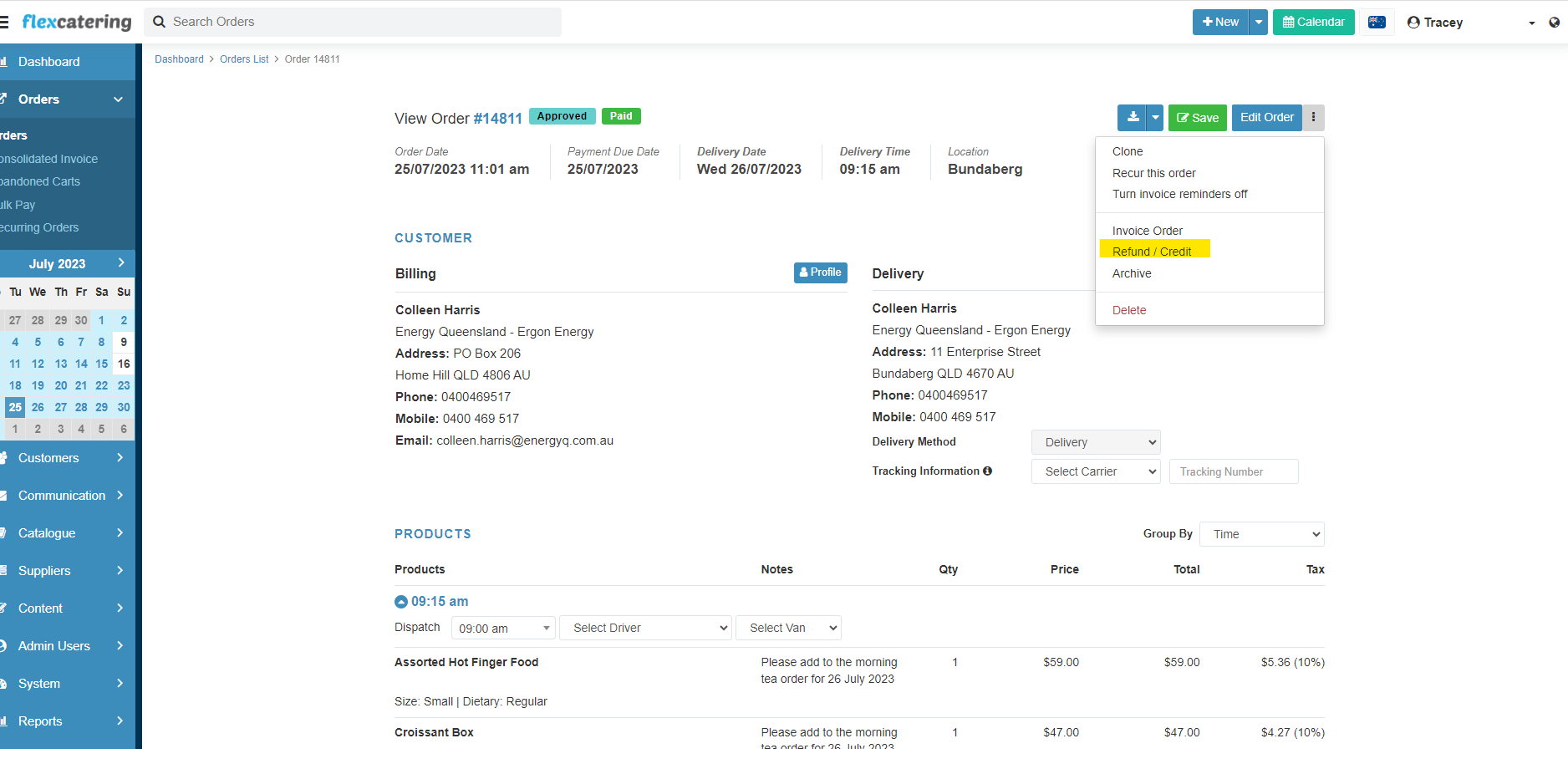
- Click Refund/credit
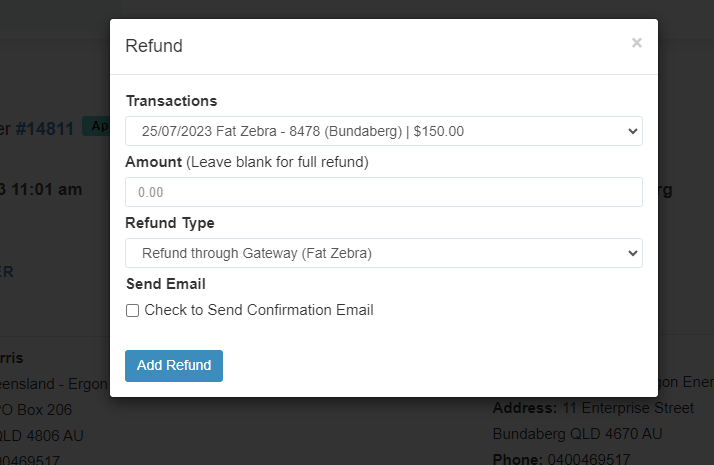
- Type in the refund amount to be refunded. Then, check the box for send confirmation email
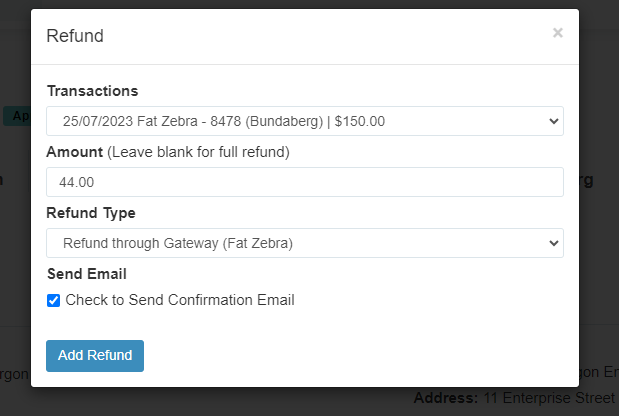
- Click the “Add Refund” button
- Click the “Edit Order” button .
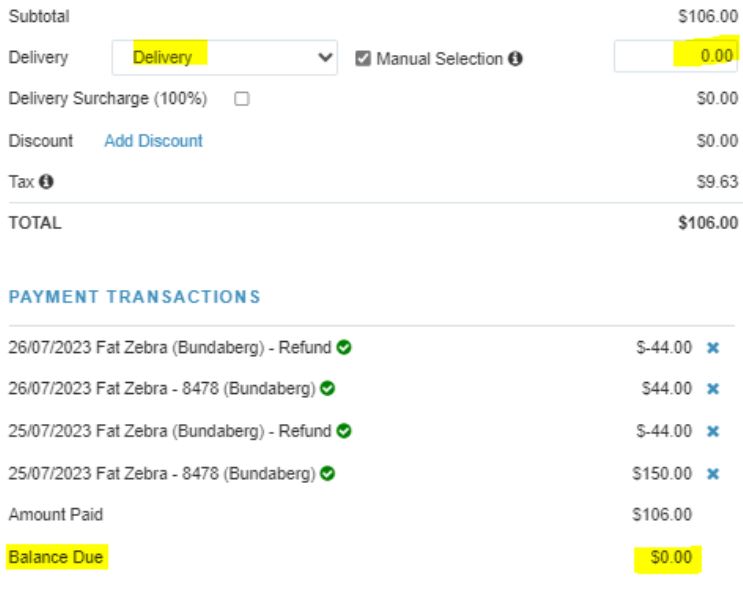
- Scroll down to the delivery details, and input 0 for the amount. Then click “Update”
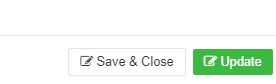
- Click “Update” then “Save & Close”

Additional comments / Good to know
Double check that the refund has been applied to the invoice.and balance due to be marked as Paid.