
What is it?
We update the menu for any changes in the items or prices.
Why we do it?
So that the customers will see the current and correct menu we are offering through the website.
Who performs this task?
Admin Assistant
When do we perform this task?
As needed
Login details or access codes
Access to WordPress
How we do it
- Log in to WordPress
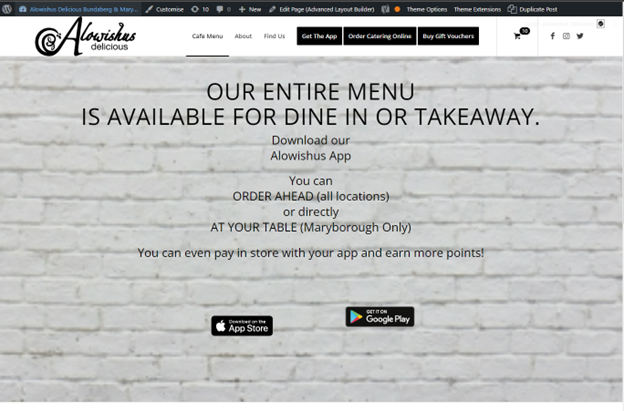
- Go to https://alowishus.com.au/our-menus/ and click “Edit Page”
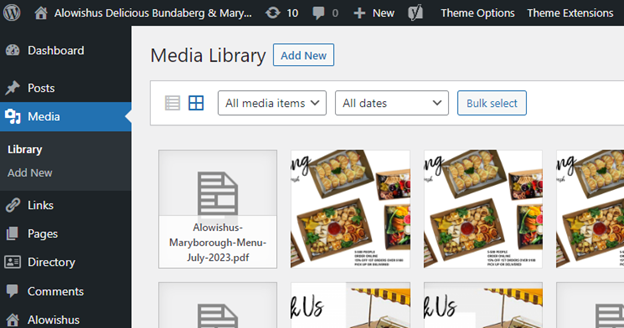
- In the left menu, click “Media” then “Add New”
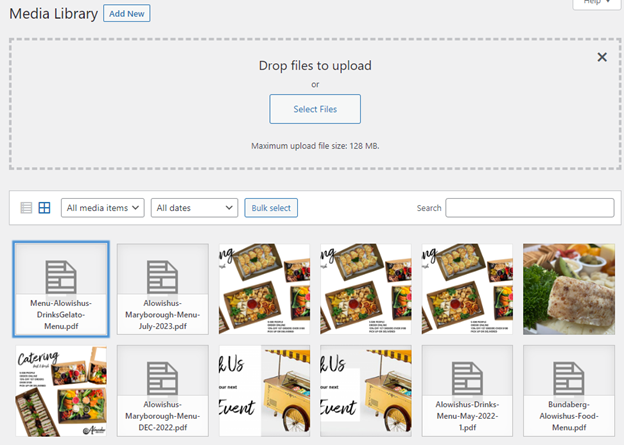
- Click the “Select Files” button and choose the document/PDF from your files. Then, click the file upload from the media library.
- Click the “Copy URL to clipboard”
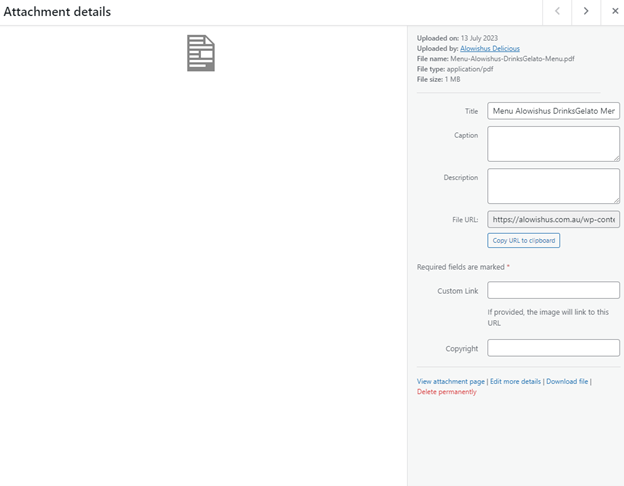
- Close the Attachment Details pop-up menu to go back to editing the article. Scroll down to the Button Row.
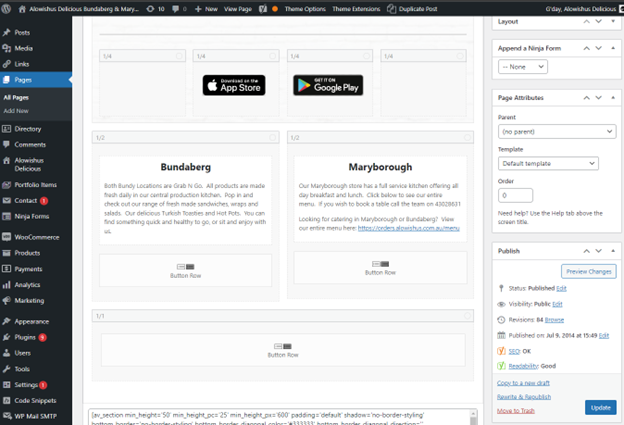
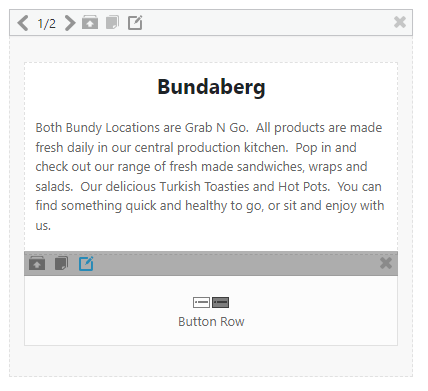
- Hover over and click the “Edit element” button with the paper and pen logo.
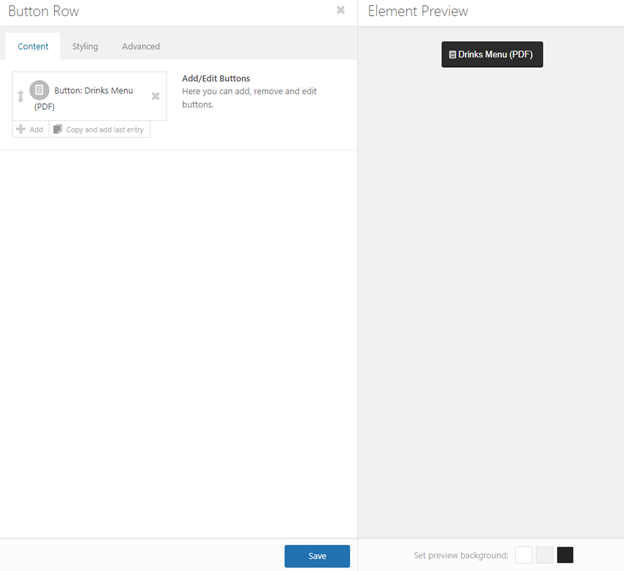
- Click the Button Drinks Menu from the Content tab.
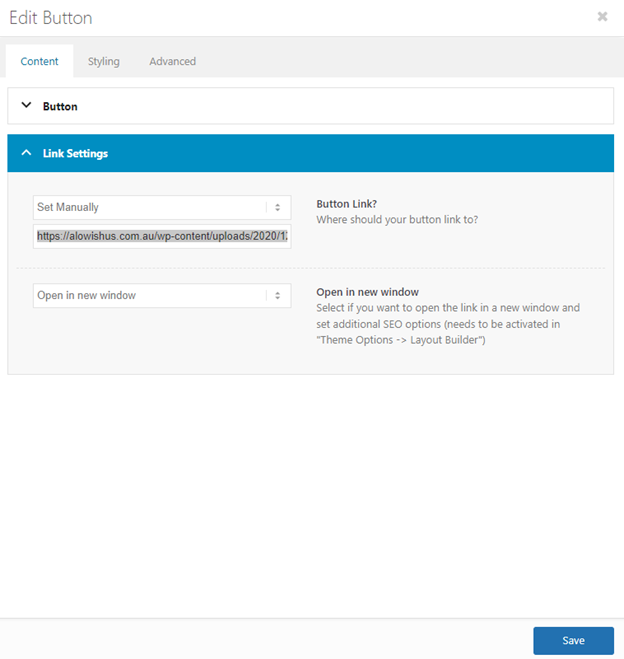
- Edit Button pops up and scroll down to Link Settings drop-down menu, click the arrow down to expand.
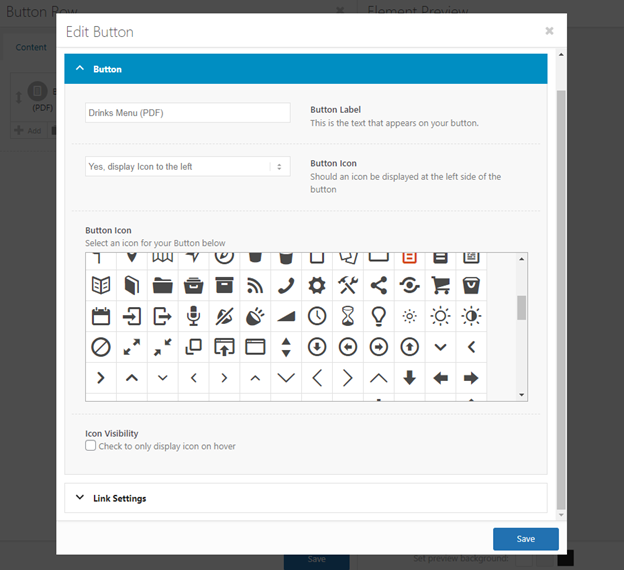
- Paste the copied URL in the button link field below the Set Manually. Finally, click the blue “Save” button.
Additional comments / Good to know
Refresh and double check on the front-end of the website if upon clicking the ‘menu’ button, it will open to the updated menu.