
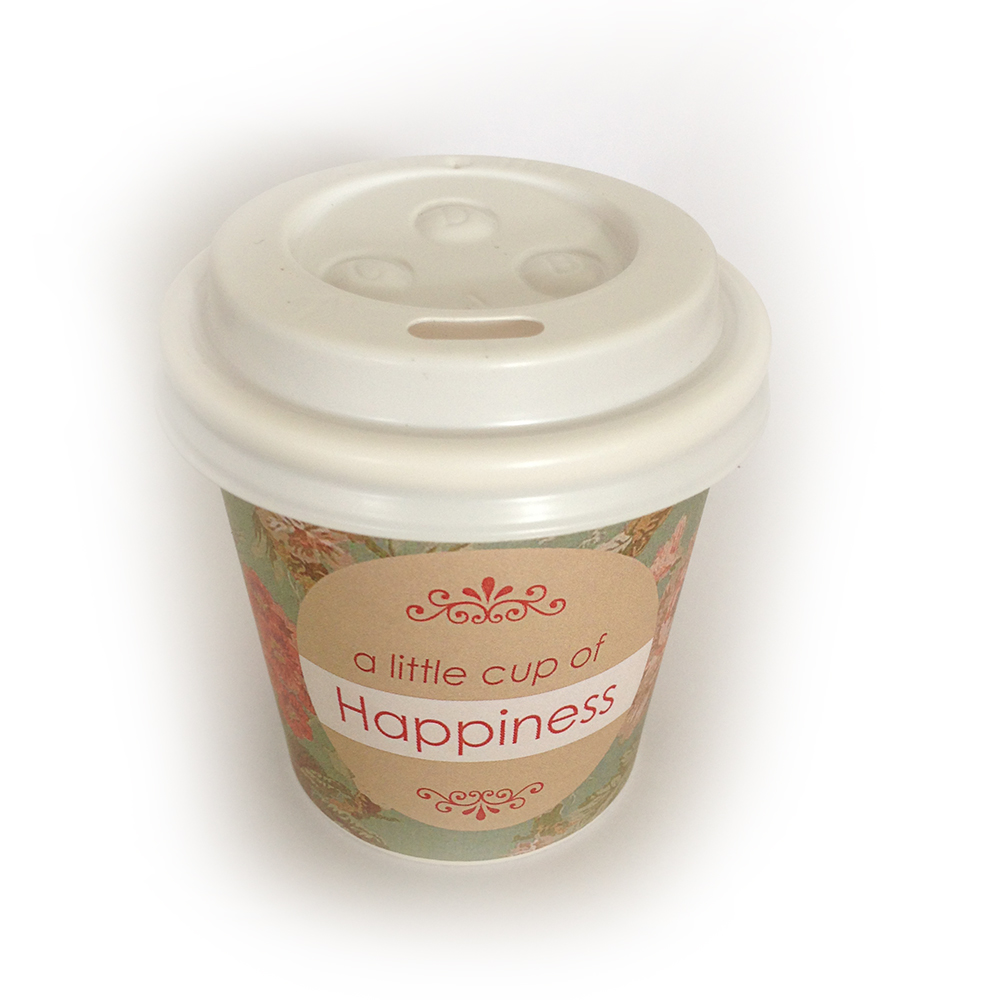
For certain functions or events, such as baby showers, weddings etc., we put together little cups that can be branded accordingly to suit the event and depending on the contents they are going to carry.
This system will show you
- What you require
- How to edit and print your design
- How to apply it to the cups
What you require
- 4oz cups (the take-away cups we serve espresso and piccolo in)
- lids to suit
- A coumputer with Photoshop installed
- Access to the Alowishus Dropbox
Editing the template in Adobe Photoshop
The template file can be found HERE, or simply login to Dropbox and navigate to Marketing & POS -> Print -> Coffee Cup Design -> 4oz Paper Cup Template.pdf.
To edit this file you will require Adobe Photoshop. When making changes, make sure not to overwrite the original file. Download a copy to the computer you are using and edit it the newly created file by following the steps in the video below.
If you are preparing the “Little cup of Happiness” you will also need to print the little contents cards that are placed inside the cups. You can find this file here. Simply print this page on thicker paper or card. There are 15 cards on a page.